Self-corrections, repetitions, and pauses are not errors in DIBELS or Acadience ORF. Insertions depend on the system. Here is what counts, what does not, and how ReadingFluency.app scores a read.
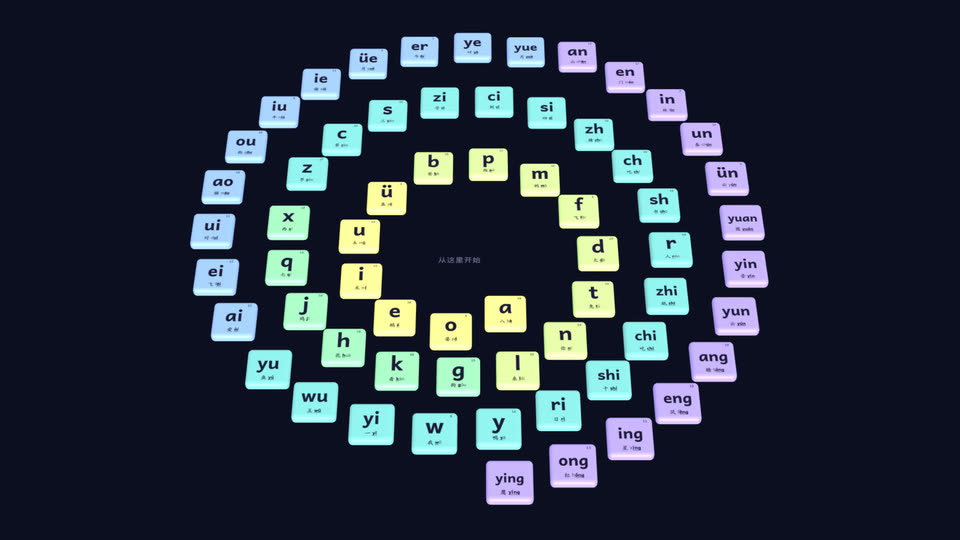
A practical guide to Chinese ORF screening for immersion programs: a sample passage with pinyin, how to mark a miscue on a character, characters correct per minute, local norms, and partner-language screening under state reading laws, with Minnesota as a worked example.
AI oral reading fluency assessment can speed up scoring, but teachers should still verify miscues, WCPM, recording quality, language fit, and instructional notes before using the result.
A practical guide to building a reading fluency tracker that helps teachers log WCPM, reading accuracy, short notes, and growth over time without drowning in paper notes or spreadsheets.
A practical guide to implementing MTSS and RTI for reading, with clear tier workflows, progress-monitoring guidance, and a modern fluency workflow that changes what teams can do in a school week.
A practical guide to oral reading fluency assessment for teachers who need clear steps, realistic benchmark guidance, and a workflow they can actually sustain across the year.
Classroom teachersReading specialists
Choosing tools
Alternatives to DIBELS, i-Ready, and running records, and how fluency software compares.
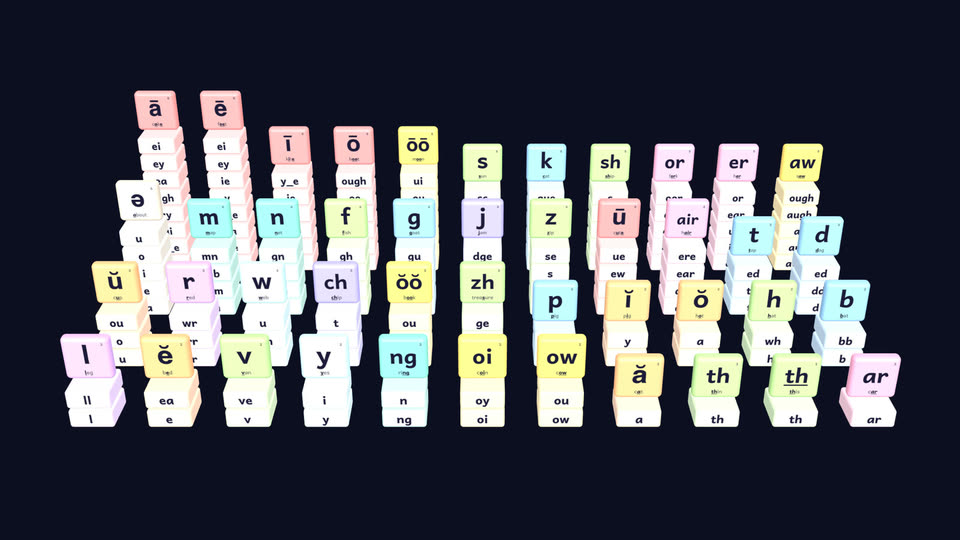
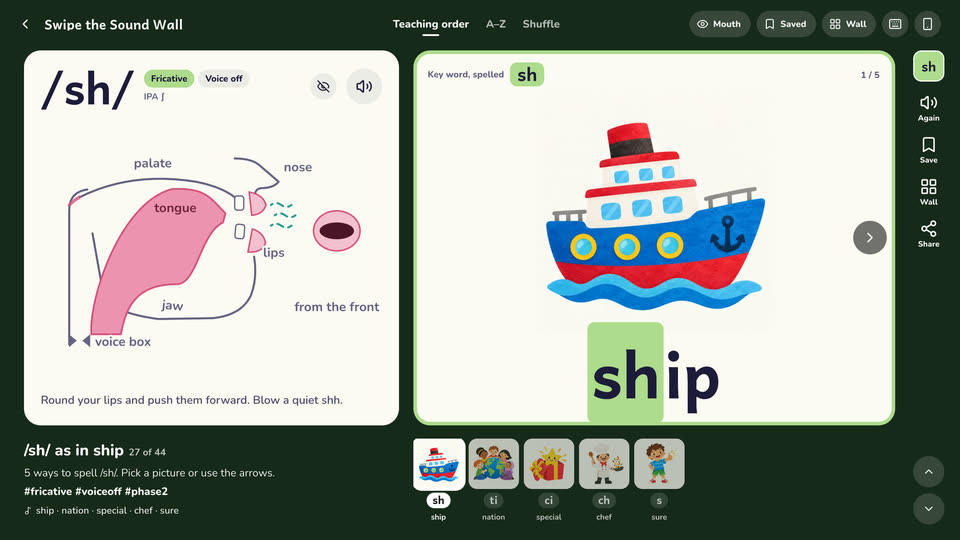
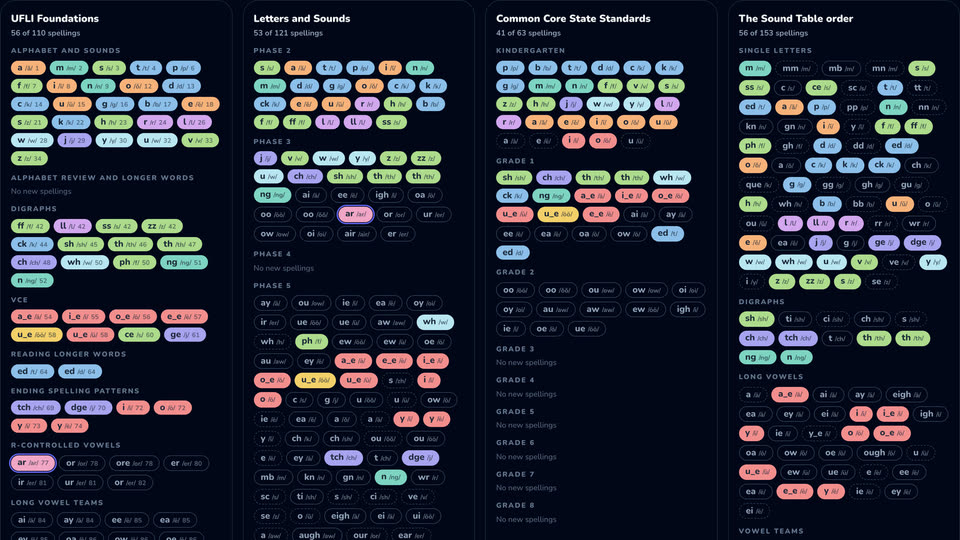
A step-by-step guide to Swipe the Sound Wall: the feed, one part per tap, the three routines, teaching and UFLI order, search, the projector view, and how to keep it on your home screen.
An AI reading fluency tracker can speed up scoring and progress monitoring, while a manual tracker gives maximum control. Most classrooms need a hybrid workflow.
A practical guide to choosing oral reading fluency assessment software, including which tools fit broad literacy screening, classic CBM progress monitoring, fluency practice, or a more modern ORF workflow.
A practical guide for schools comparing i-Ready with a lighter oral reading fluency workflow built for faster benchmarking and cleaner progress monitoring.
A practical guide to DIBELS alternatives for teams deciding between CBM-style screeners, adaptive assessments, broader MTSS platforms, and faster oral reading fluency workflows.
Reading specialistsCoaches & leaders
Curriculum & intervention
UFLI, Orton-Gillingham, and intervention programs, and how they fit with assessment.
Orton-Gillingham is an instructional approach, not a single curriculum. This guide explains how traditional OG differs from OG-based programs and why that distinction matters in real schools.
A practical side-by-side look at Wilson, UFLI, and SPIRE for schools choosing between intensive dyslexia intervention, core structured literacy, and packaged small-group support.
A practical guide to choosing a knowledge-building ELA companion for UFLI so foundational skills, comprehension, vocabulary, and writing work as one literacy system.
Use the sidebar to move between Dashboard, Students, Passages, Reports, Subscription, workspace controls, account settings, support, theme settings, and workspace credit details.
Drop a PDF, photo, CSV, or pasted text onto New Passage Import, review and edit each passage (including already-in-library flags), then print paper copies with running word counts.
Turn any passage collection into a link. Colleagues preview the passages and copy them into their own library without getting access to your workspace.
Set up the student side of ReadingFluency.app with one Add Student dialog for adding one or importing many, a review step, student grades, roster groups with goals, bulk archive and delete, and student progress history.
Use live group sessions when students should complete assigned readings from their own devices while the teacher monitors the roster and reviews results.
Give your class one link. Students sign in without an account, read the passages you assigned on their own device, and turn them in. You see who is done, their accuracy and WCPM, and the class average.
Open a student's profile to see every reading's WCPM and accuracy over time, compare the student with their group's goals or their grade's norms, and see whether their weekly growth is on pace for the next goal.
Use Reports to review student fluency trends, group goals, grade norms, WCPM and accuracy views, distribution charts, percentile bands, ROI, and goal gaps.
Claim a handle once, share readingfluency.app/r/your-handle, and you both earn credits: 50 for the colleague who signs up, 300 or 500 for you when they subscribe to Teacher Plus.
4 min read
7 updates
Product updates
What changed in ReadingFluency.app, month by month.
Our biggest change yet: assignments bring reading practice into the app. Students read aloud at home, and you hear each reading. Goals and grade norms are now in each report and on each student's profile.
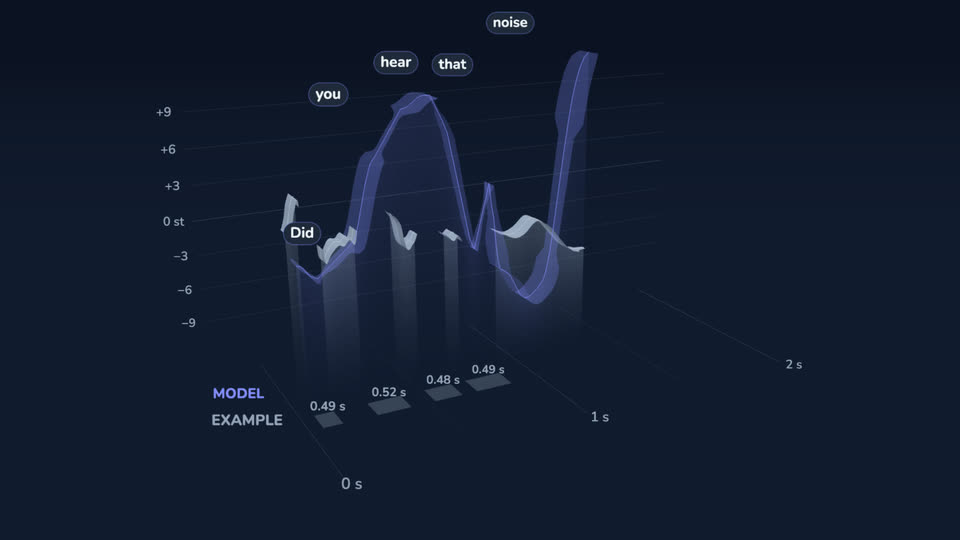
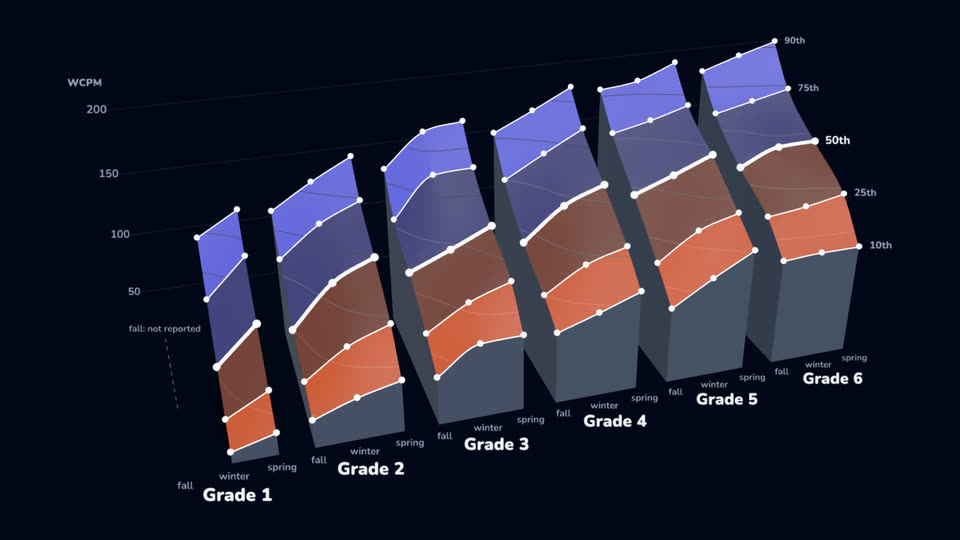
Refer a teacher and you both get credits. The Fluency Landscape is coming to the app. Swipe the Sound Wall is a new lab that goes with The Sound Table.
Summer was our busiest build season yet. Import passages from PDFs and photos, import rosters from spreadsheets, share collections by link, archive last year's students in bulk, and get instant reports that never lose a recording. Plus a back-to-school credit extension and our new Educator Advisor program.
We spent June building tutorials and refining Reports, roster groups, passage editing, and Chinese fluency defaults so teachers can understand and use ReadingFluency.app faster.
ReadingFluency.app now includes passage collections, roster groups with goals, Reports for student progress trends, and an updated getting-started guide with fresh screenshots.
ReadingFluency.app now includes shared workspaces for subscribers, a new credit-based model with signup bonus credits, simpler Teacher Plus pricing, a redesigned group-session setup flow, and faster inline filters across the app.